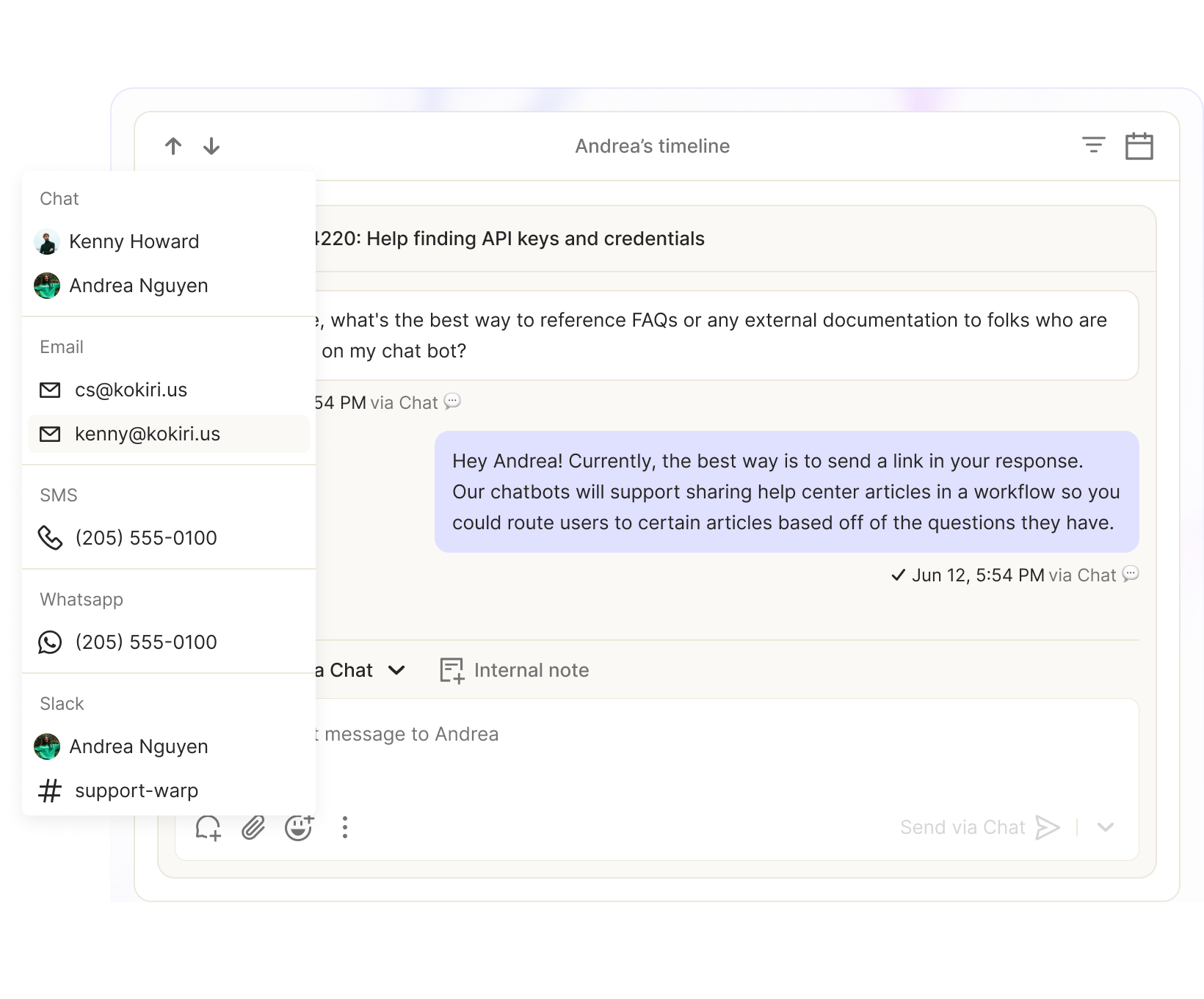
Inbox and Ticketing
Solve your customer issues faster and better by organize and track them.
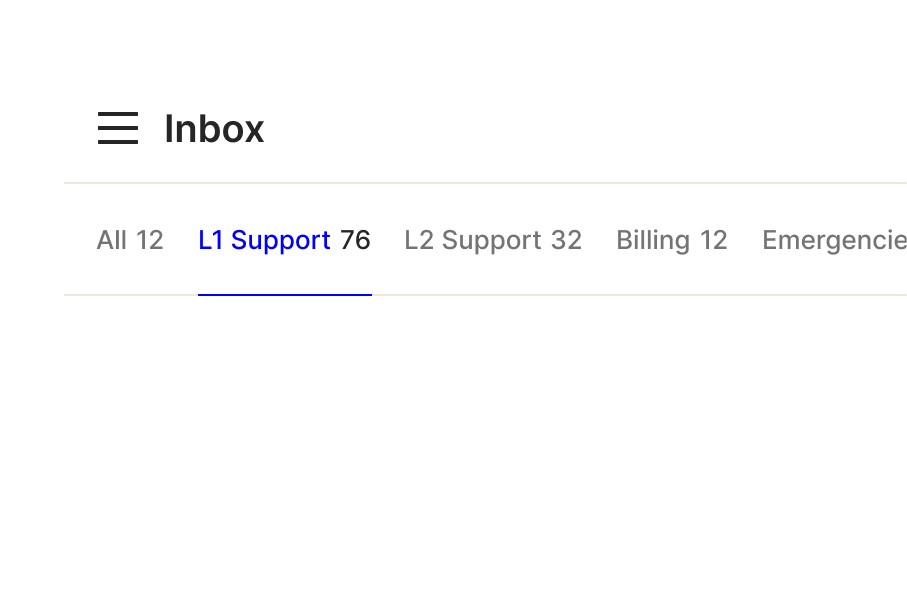
Custom inboxes
Create custom inboxes to view tickets for any customer segment or workflow.
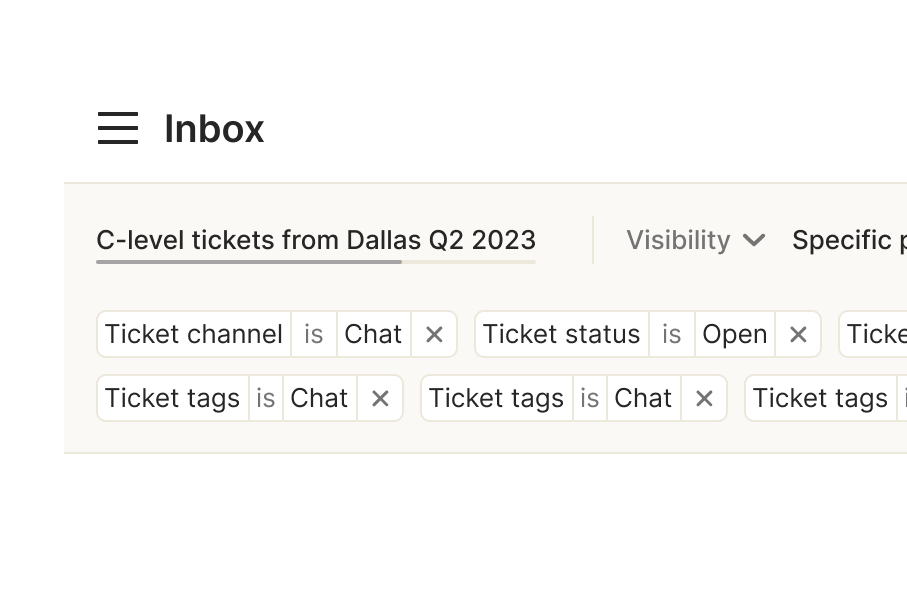
Custom segments
Group your customers and accounts so that you can quickly filter by them throughout Atlas.
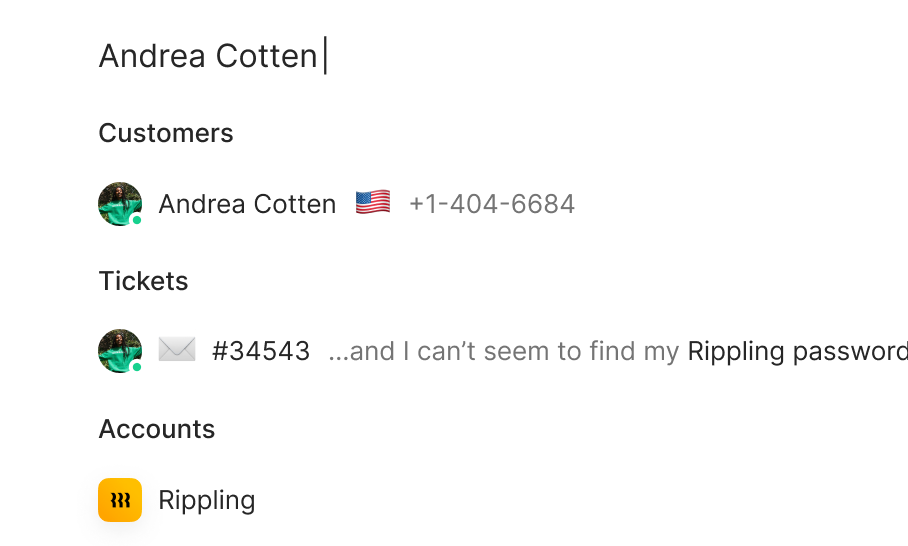
Universal search
Use our advanced search to perform powerful queries across your customer data without needing a data analyst.
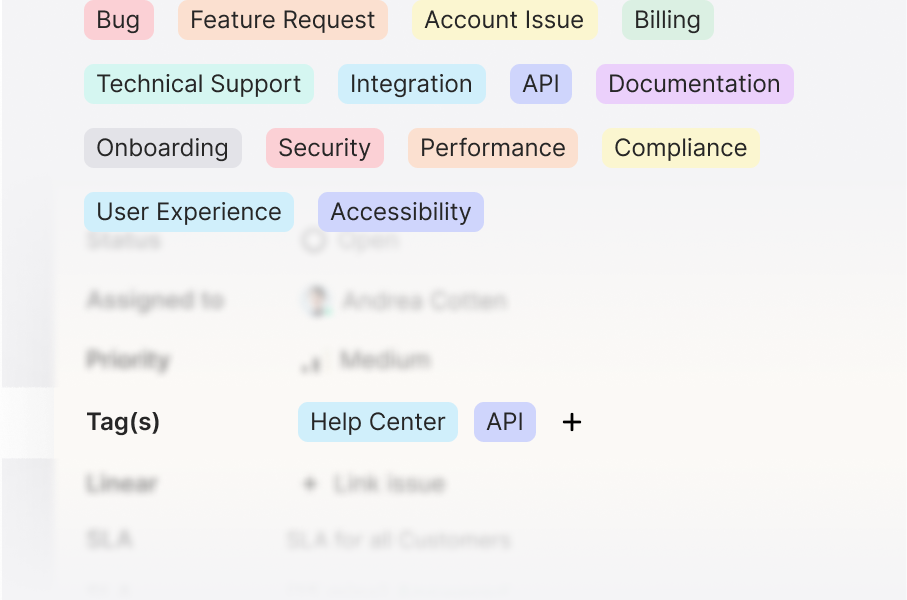
Tags & tag groups
Categorize your tickets with tags and organize your tags with color-coded tag groups.
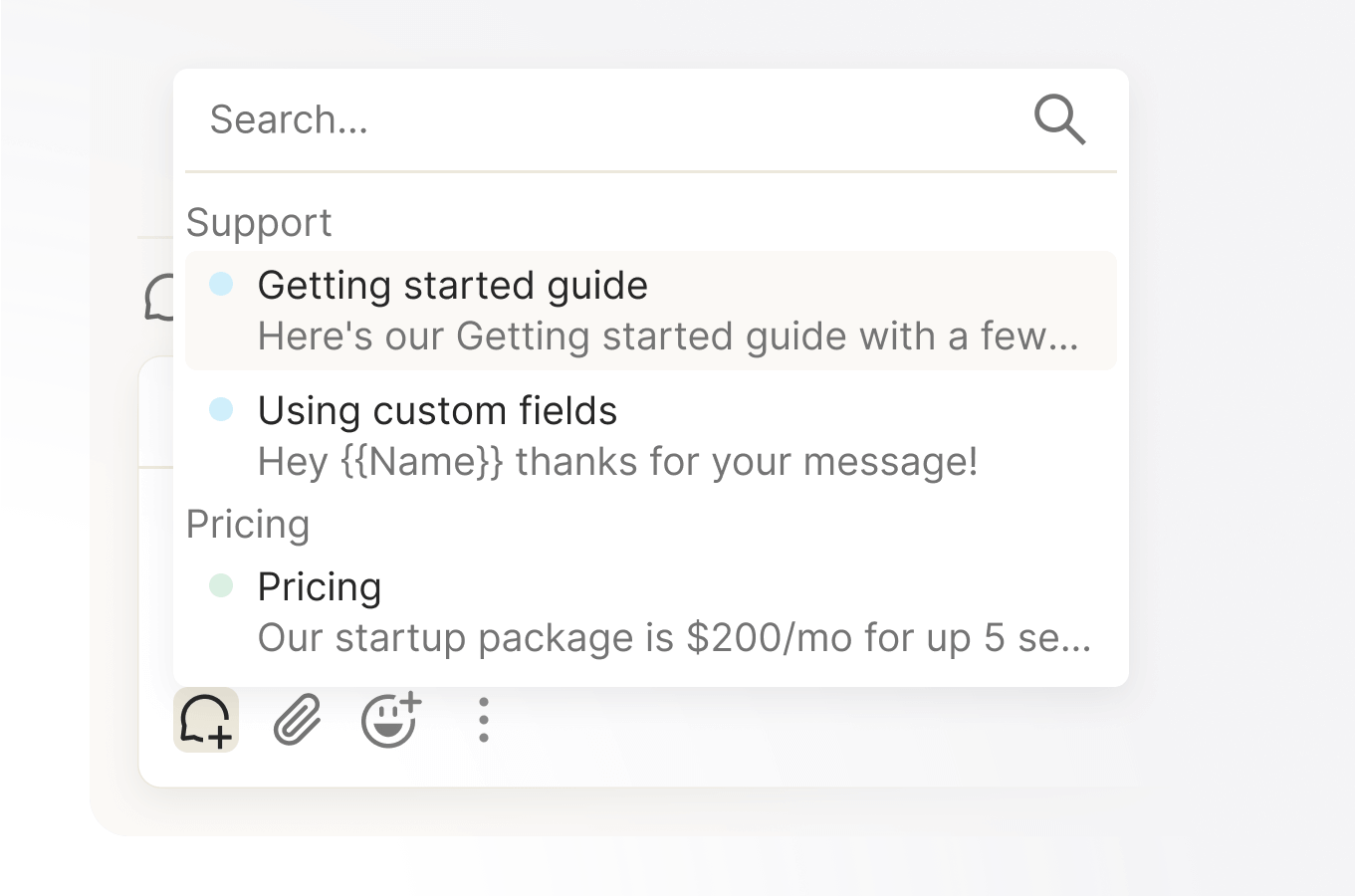
Canned responses
Quickly draft responses from powerful templates.
Merge
Duplicate tickets happen and can clog up your inbox with duplicate work. Merge your tickets using our ticket actions menu
Transfer
Improve workflow efficiency by transferring complex tickets to specialists.
Snooze
Remove tickets from your active queue and schedule their return with the snooze feature.
Schedule
Ensure timely follow-ups by placing user issues in the support queue to prevent oversight.
Priority
Set your ticket priorities to track your most important issues.
Manual creation
Manually create a new ticket for a customer directly from the inbox or from their customer profile.
Keyboard-first
Take any action and navigate throughout the app with just a few keystrokes.
Command-menu
Handle your most common tasks and quickly find what you need through the command menu.
Omnichannel Messaging
Talk to your customers where they already are from one simple, unified interface.
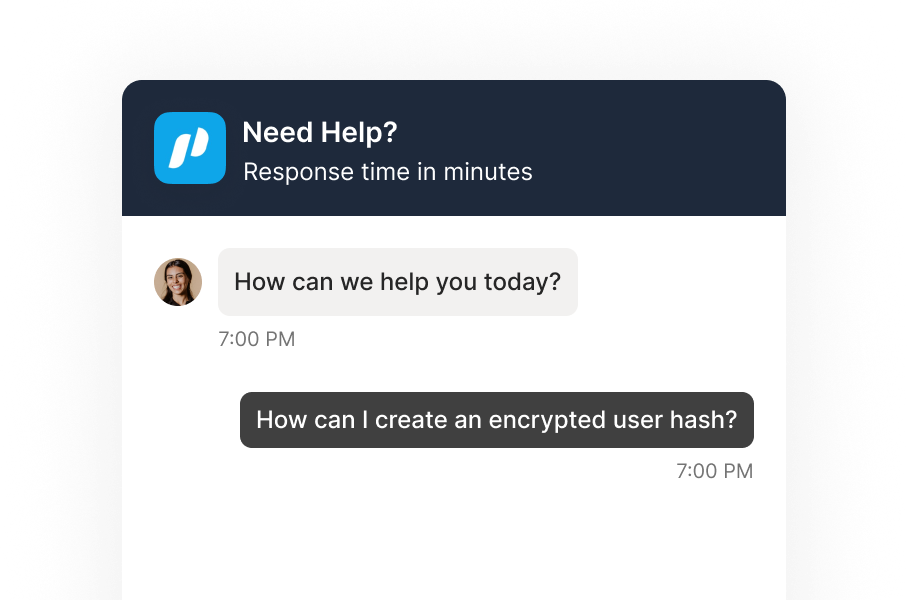
Chat widget
Solve your user’s queries in real-time directly on your website or app.
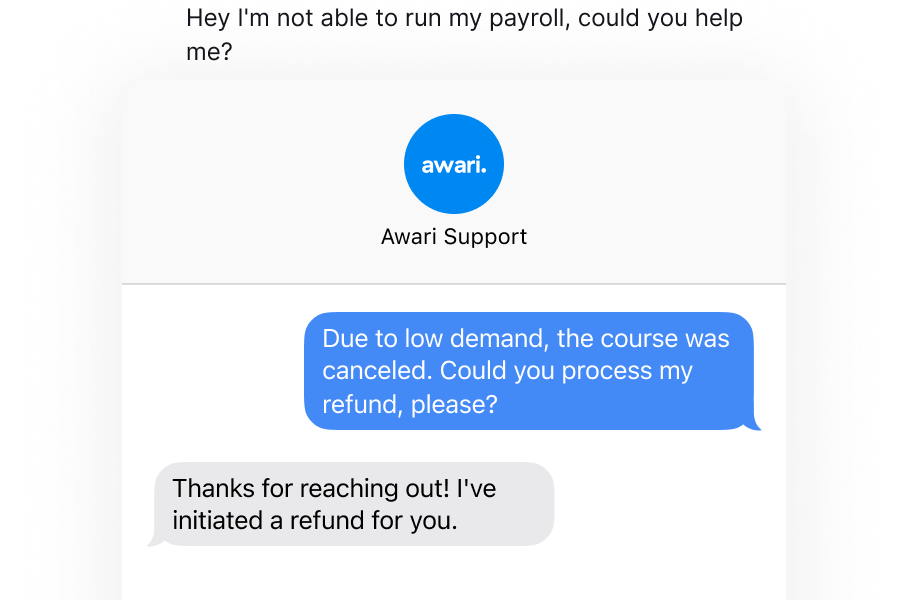
SMS
Triple your customer response rate by using the most ubiquitous and native channel.
Email
Create a ticket in Atlas anytime a customer emails you on any of your support IDs.
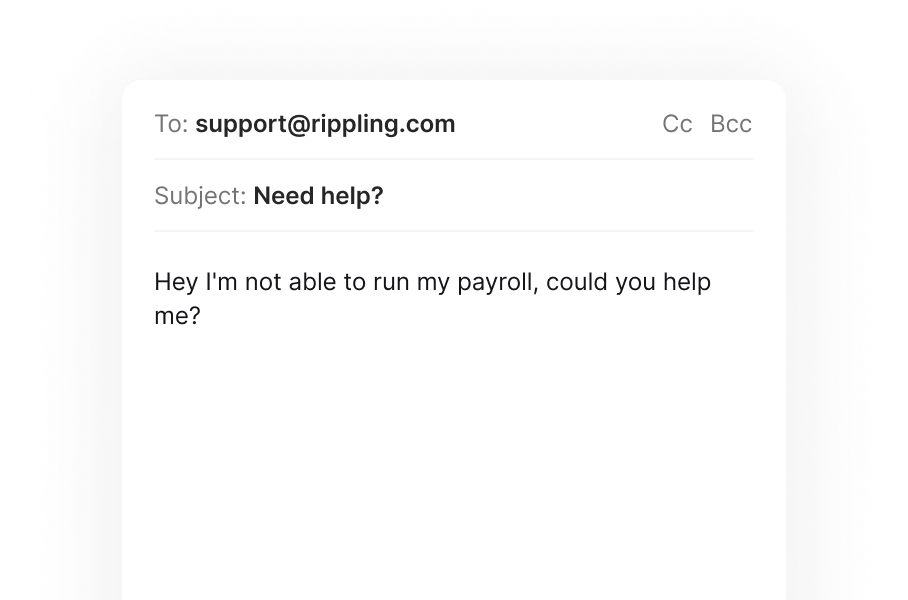
WhatsApp
Talk to your customers in the fastest-growing, most-globally-adopted channel.
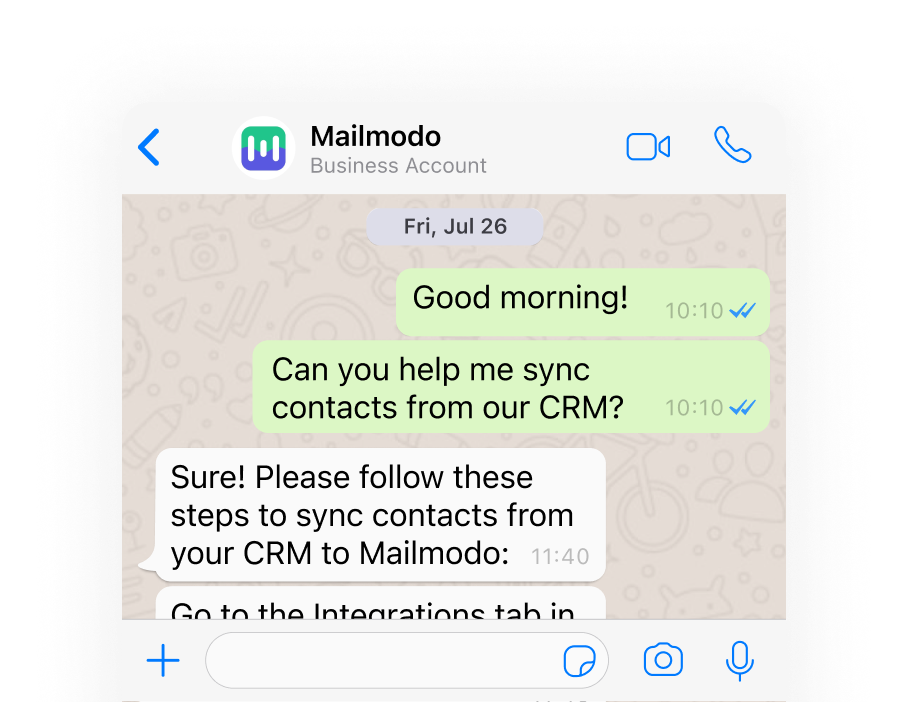
Slack
Create & resolve tickets all within Slack & Slack Connect, bringing seamless support in real-time.
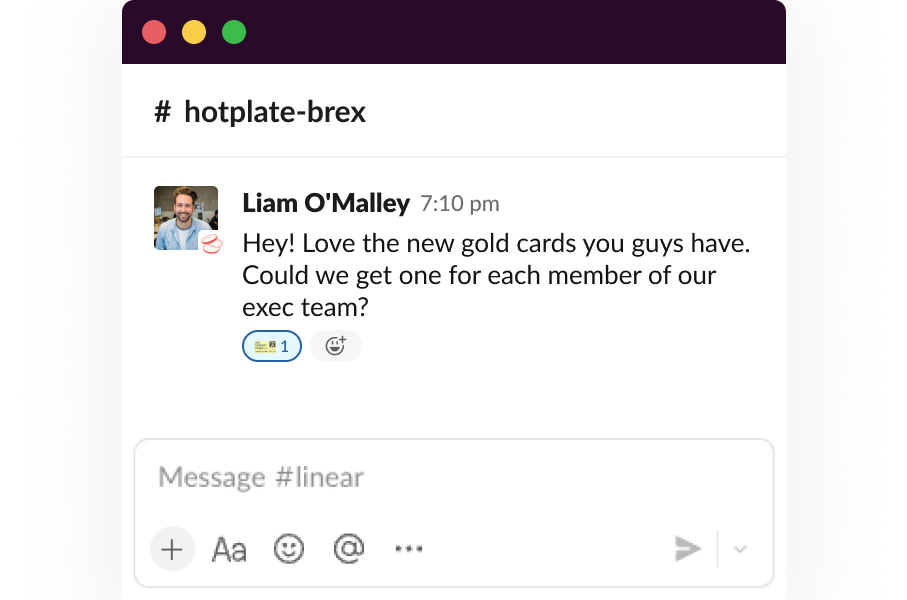
Customer Portal
Create forms for bugs, feature requests, general inquiries or any scenario you’d like.
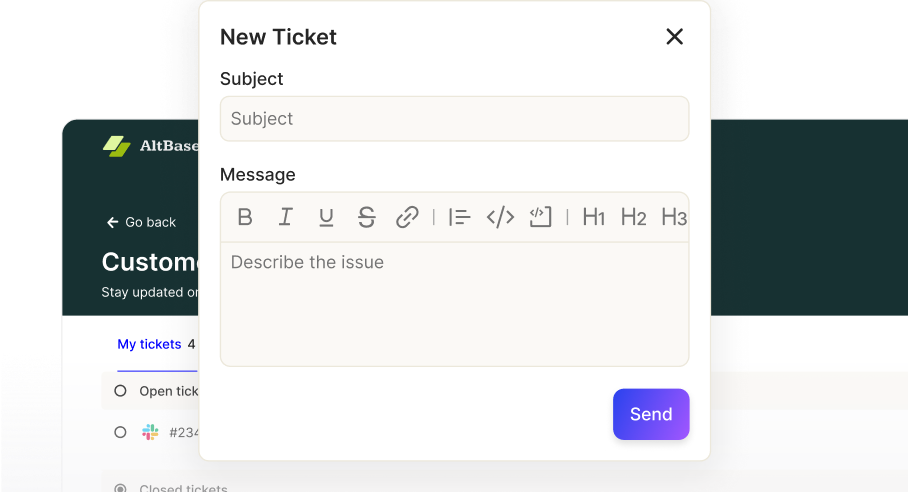
Discord
Give your Discord server community support with automatic and manual ticket creation.
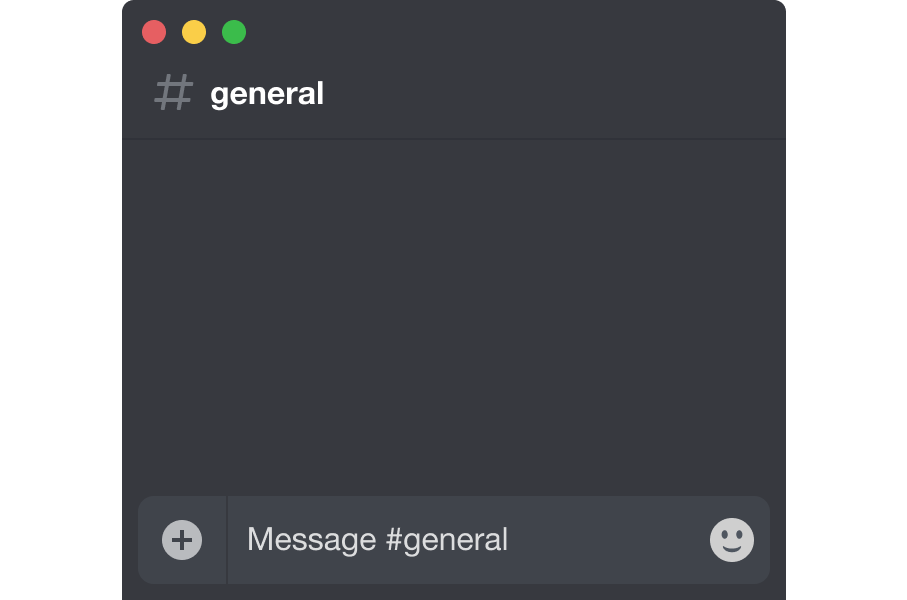
Shopify
Answer customer questions when they have high buying intent.
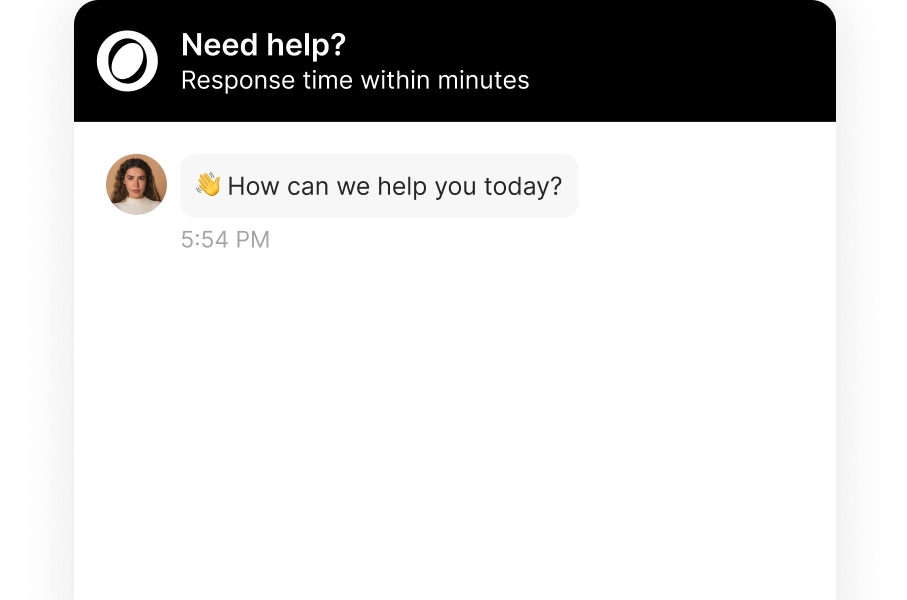
Custom forms
Create forms for bugs, feature requests, general inquiries or any scenario you’d like.
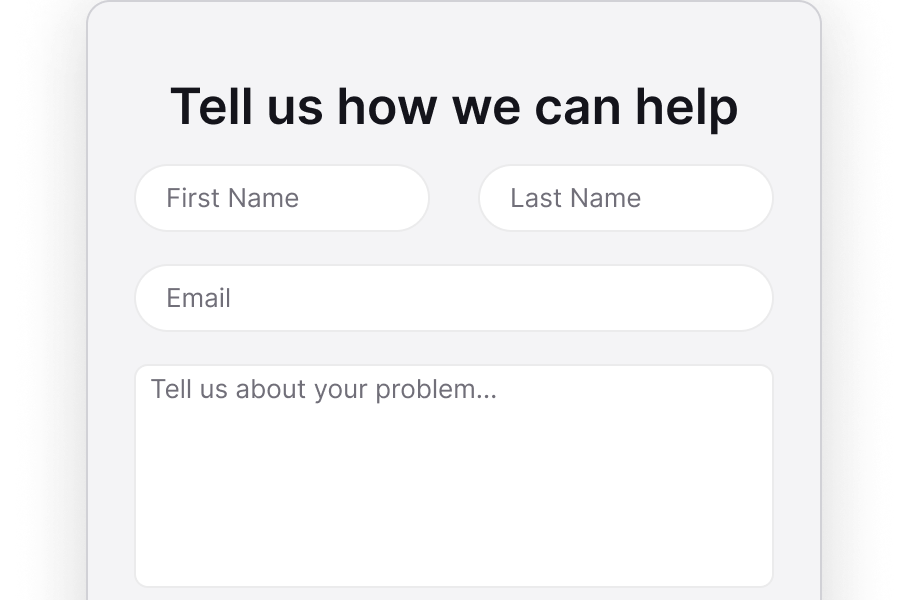
Call
Start calls directly from within Atlas. View call transcripts, listen to recordings, and more.
CSAT
Collect customer satisfaction surveys on your tickets to monitor your support quality.
Surveys
Ask customers questions to get feedback about your product from anywhere in your product.
Multiple senders
All channels support multiple senders.
Customer Timeline
View each customer’s entire journey in a single,
easy to follow, chronological timeline.
easy to follow, chronological timeline.
Conversation & ticket history
Integrate user information and previous interactions for context, enabling more personalized support.
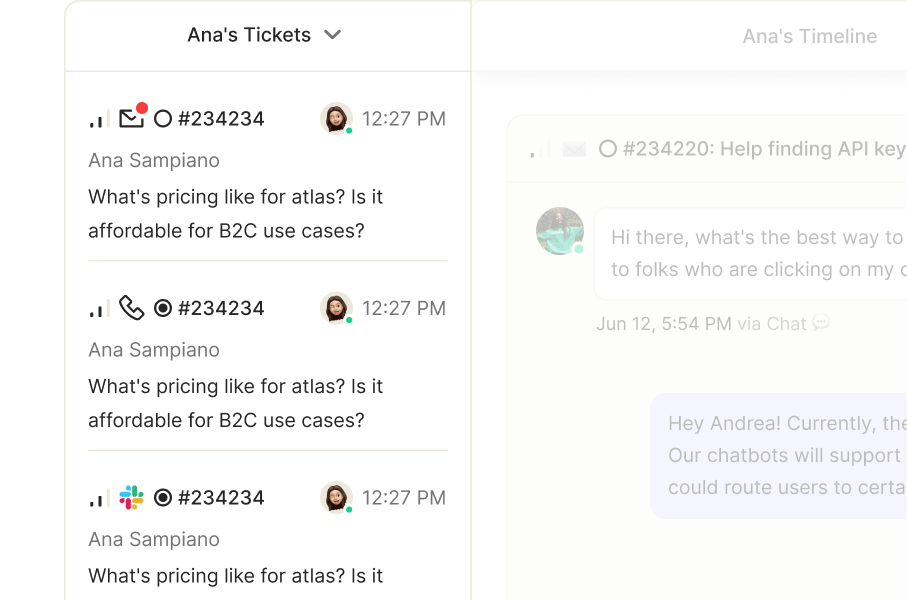
Customer activity
Track past tickets, view bugs, take note of the articles viewed and more in a single view.
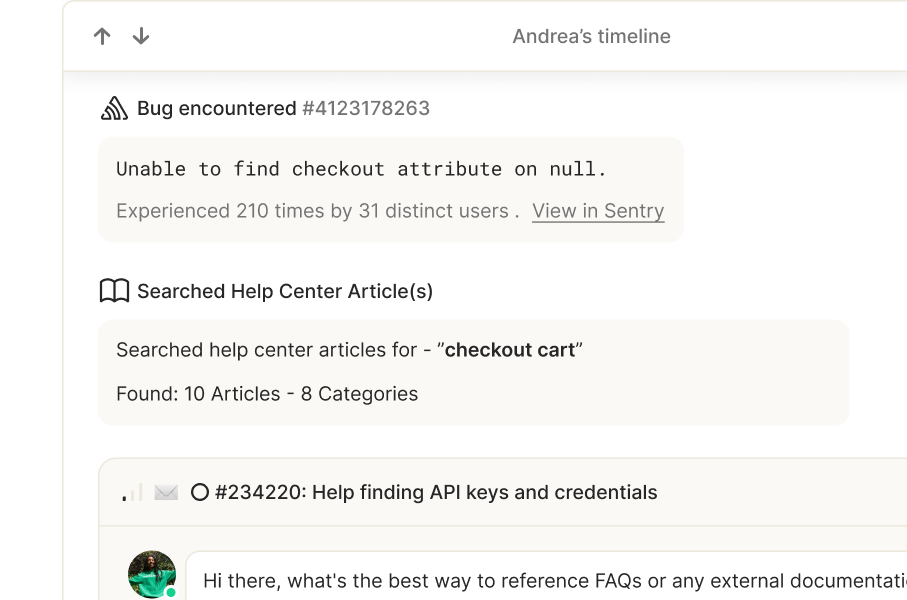
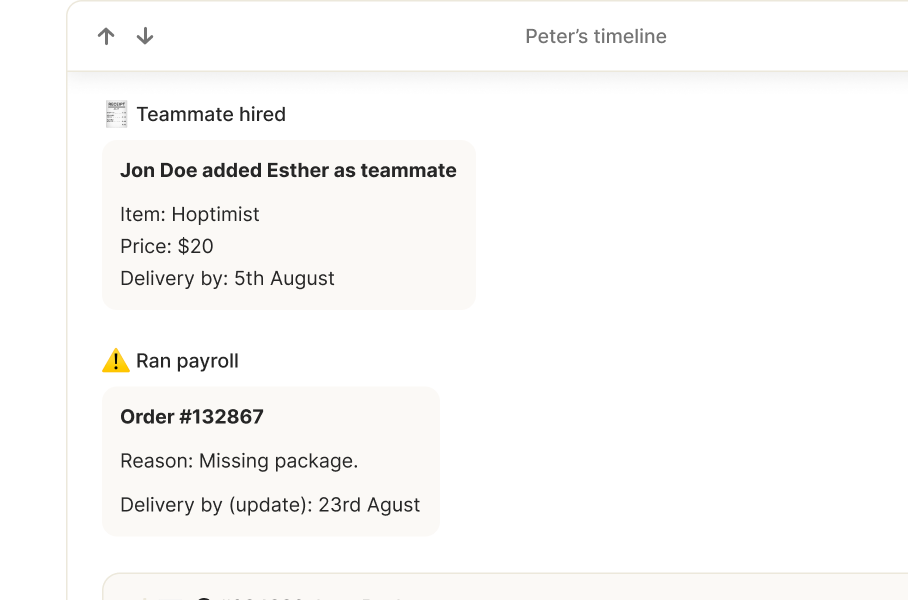
Custom data, events & fields
Get the exact contextual information you need for your customers with custom data and events.
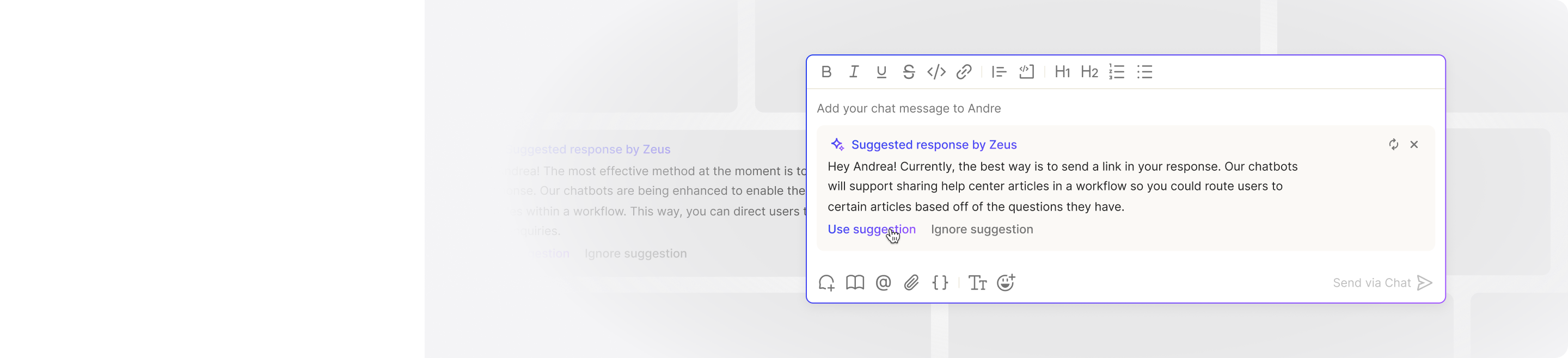
Composer
Supercharge your responses with canned responses, help articles, and context-sensitive suggestions.
Collaborate
Deliver unmatched quality to your customers through coordinated efforts with your teammates
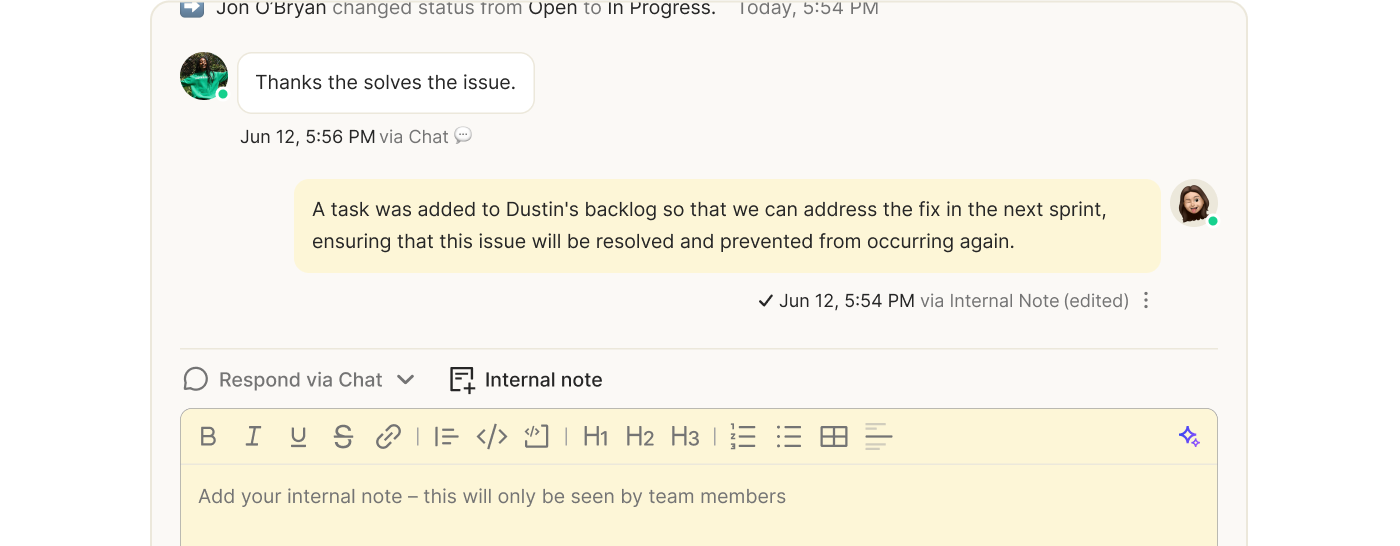
Notes
Leave notes for your teammates that aren’t visible to your customers by adding internal notes. These notes can be added on a per-ticket basis and will appear in the customer timeline for that specific ticket.
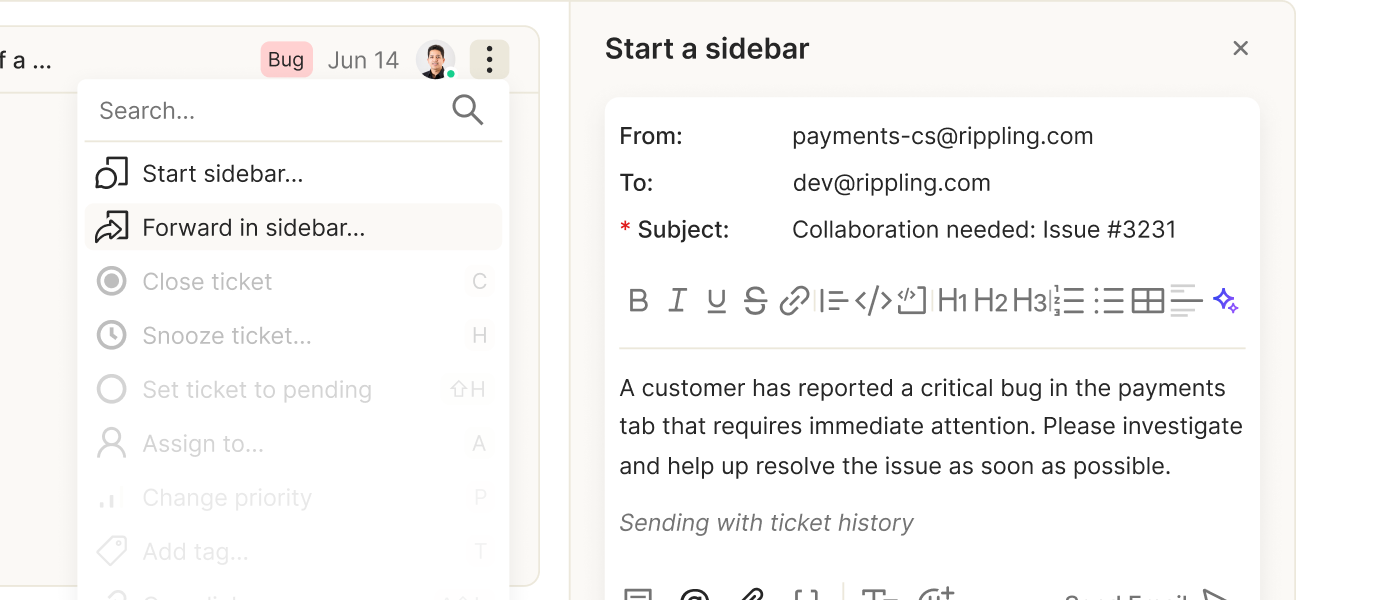
Sidebar
Talk to adjacent teams, both internally and externally when solving a customer's problems.
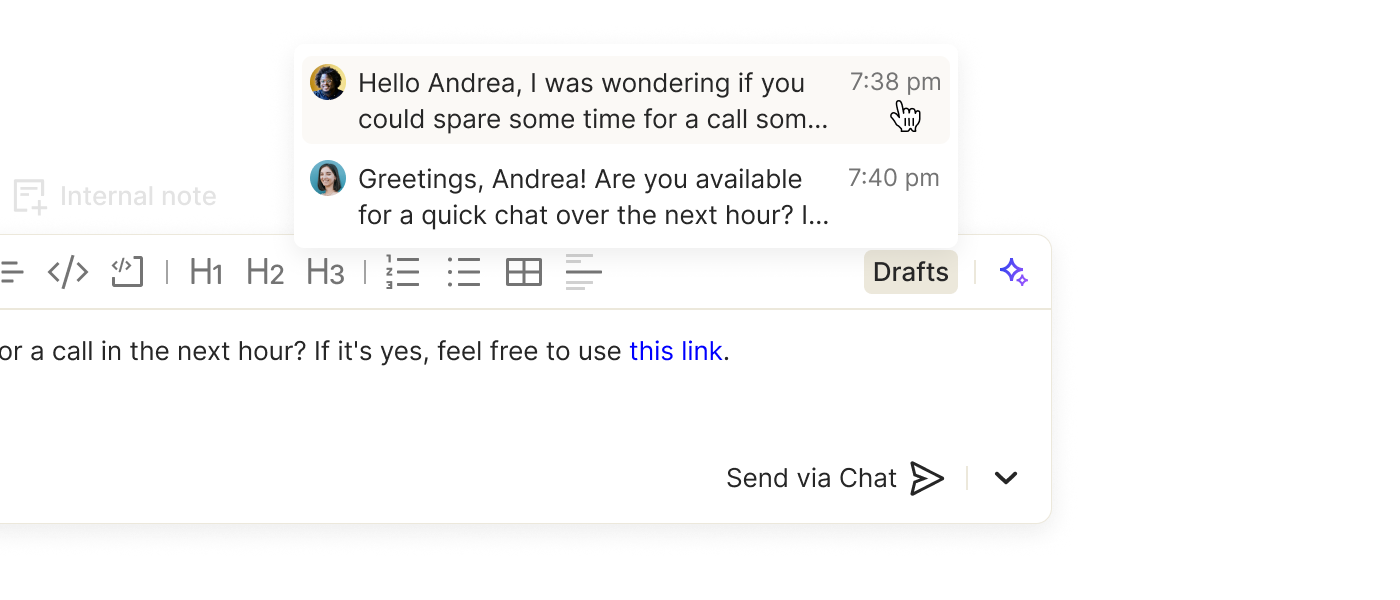
Drafts
Save partially written replies so your teammates can pick up or advise on your responses to customers
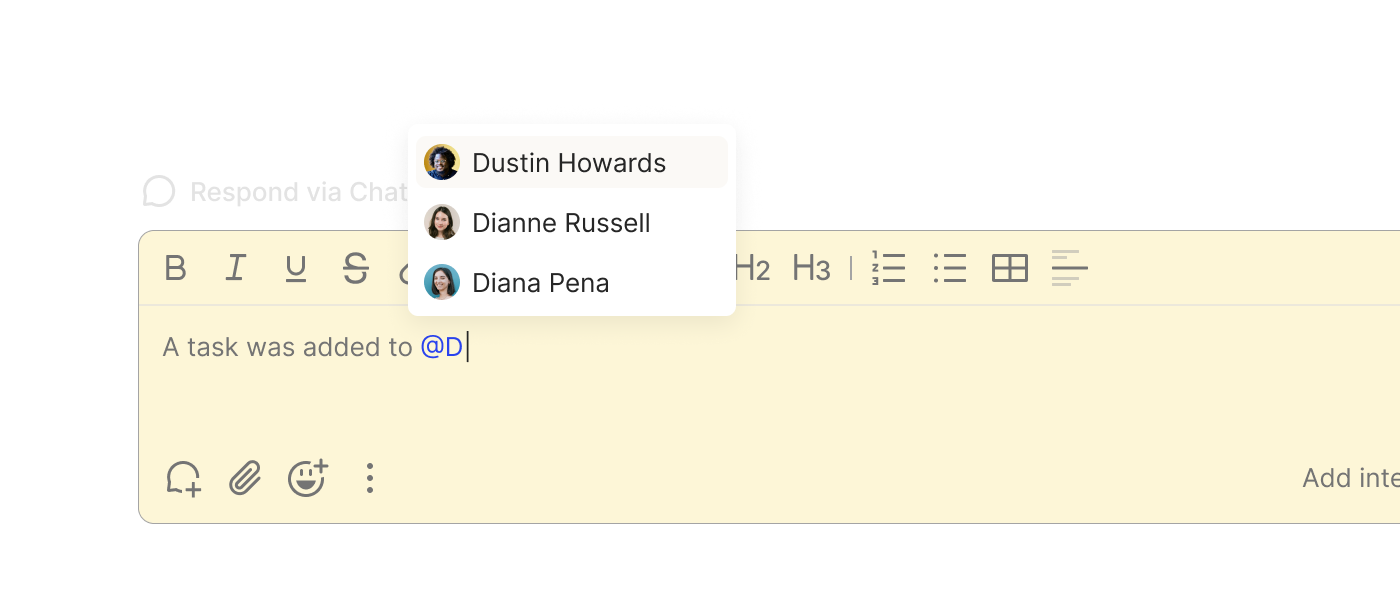
Mention teammates
Tag teammates for help or just to keep them up-to-date on ticket details as you are responding to customers.
Service-Level Agreements
Deliver unmatched quality to your customers through coordinated efforts with your teammates.
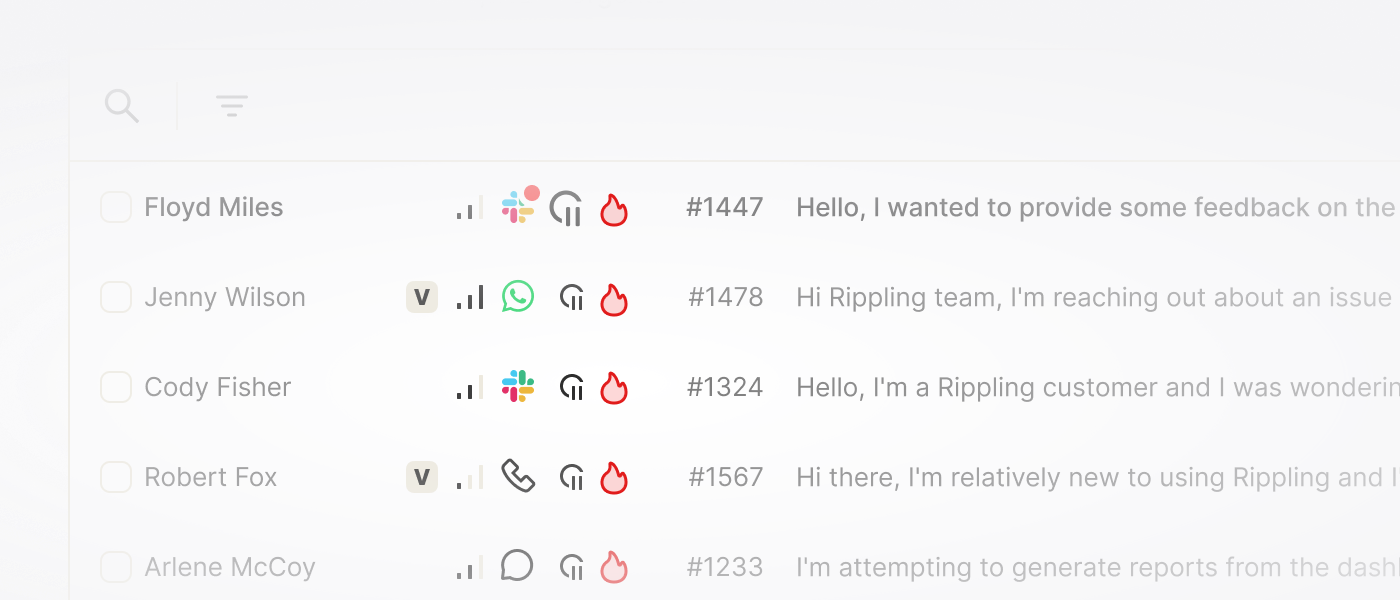
SLAs in your inbox
Visual callouts in your inbox to guide you to tickets which require a quick response.
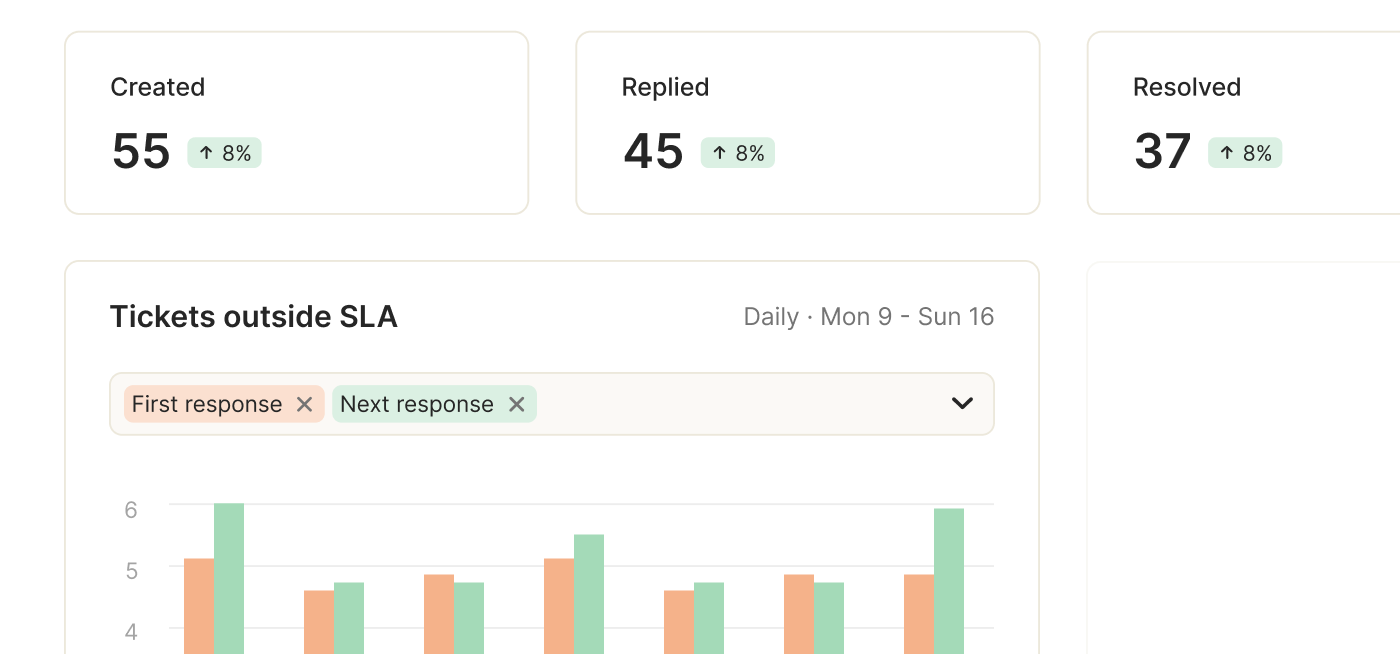
SLA reports
Track how well you are giving your customers timely responses.
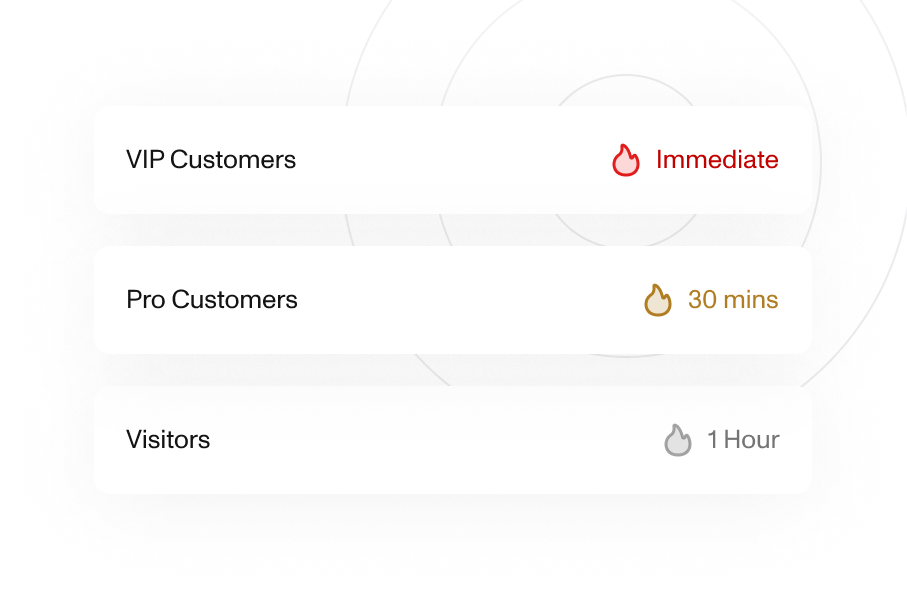
Multiple SLAs
Define multiple SLAs for different customer segments.
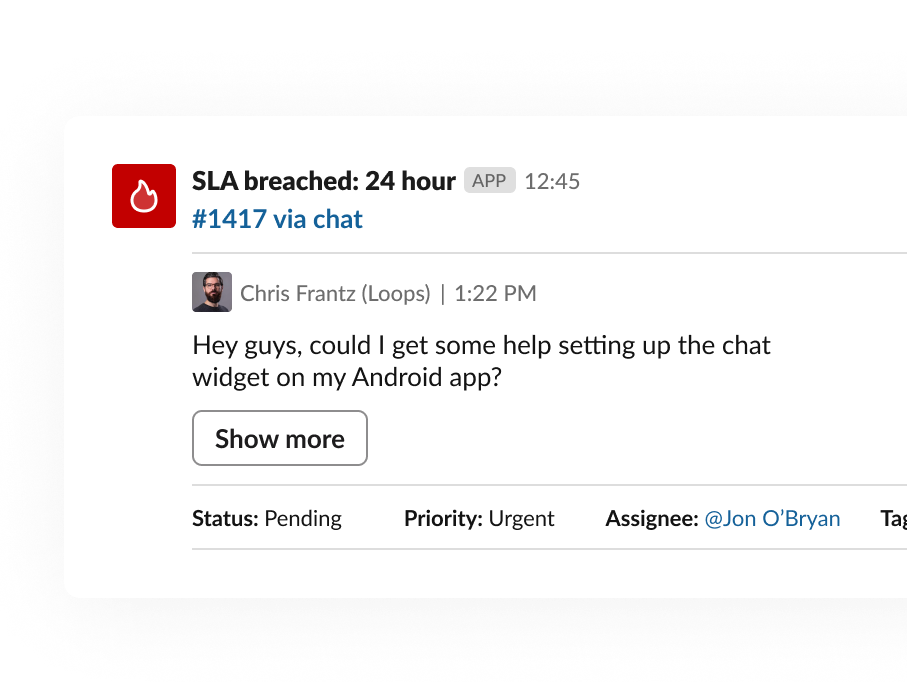
SLA notifications
Receive real-time notifications in Slack and email when a ticket needs your attention.
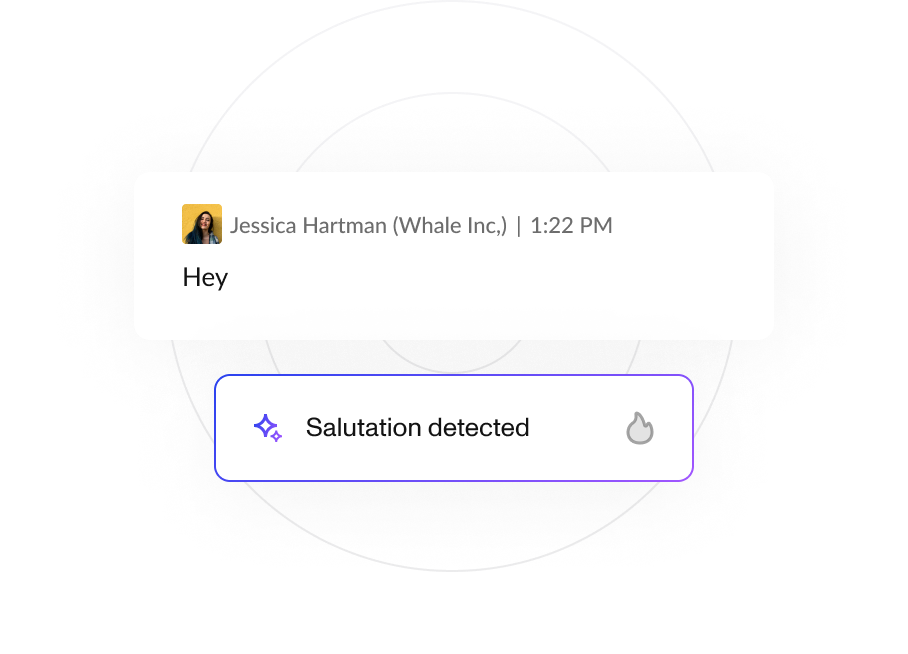
AI-based SLA filtering
"Thank you" and salutations don't trigger your SLA timers.
Deliverability Monitoring
Deliver unmatched quality to your customers through coordinated efforts with your teammates.
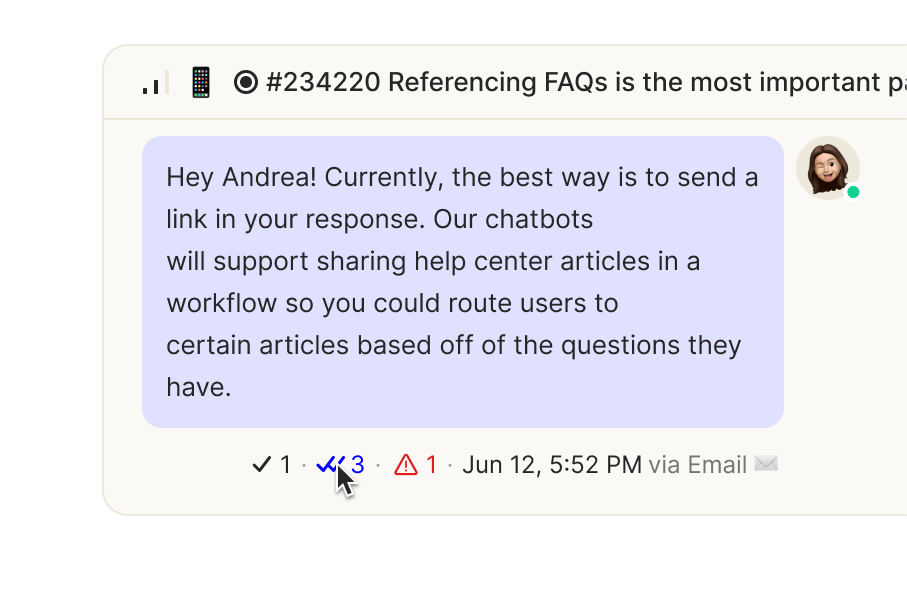
Delivery statuses
Track when messages are delivered, opened, and read.
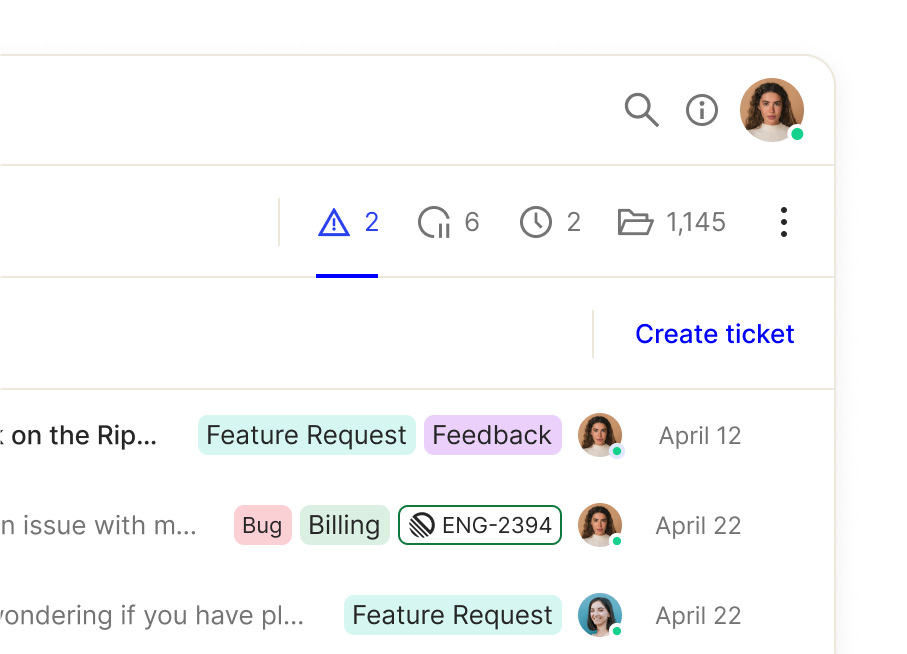
Failed delivery inbox
Don't let any message go undelivered.
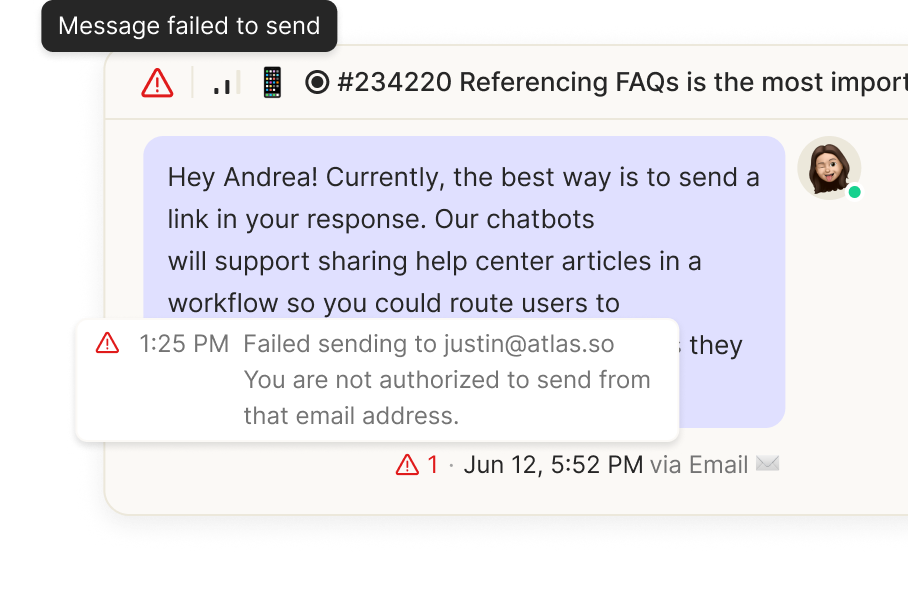
Failed delivery notifications
Get immediate notifications when a message doesn't reach its destination.

© Atlas Support, Inc. All Rights Reserved.
6701 Koll Center Pkwy
Ste 250
Pleasanton, CA 94566